Service reports first
Keep the fault, work performed and recommended next step clearly separate. Captioned photos explain the findings. The result: a PDF the customer and office can follow, including supporting material for an insurance claim.

JOBS, VISITS, PLANNING & SERVICE REPORTS
Less spreadsheet work and retyping. We’re building one shared view for the office and technicians, on desktop and mobile.
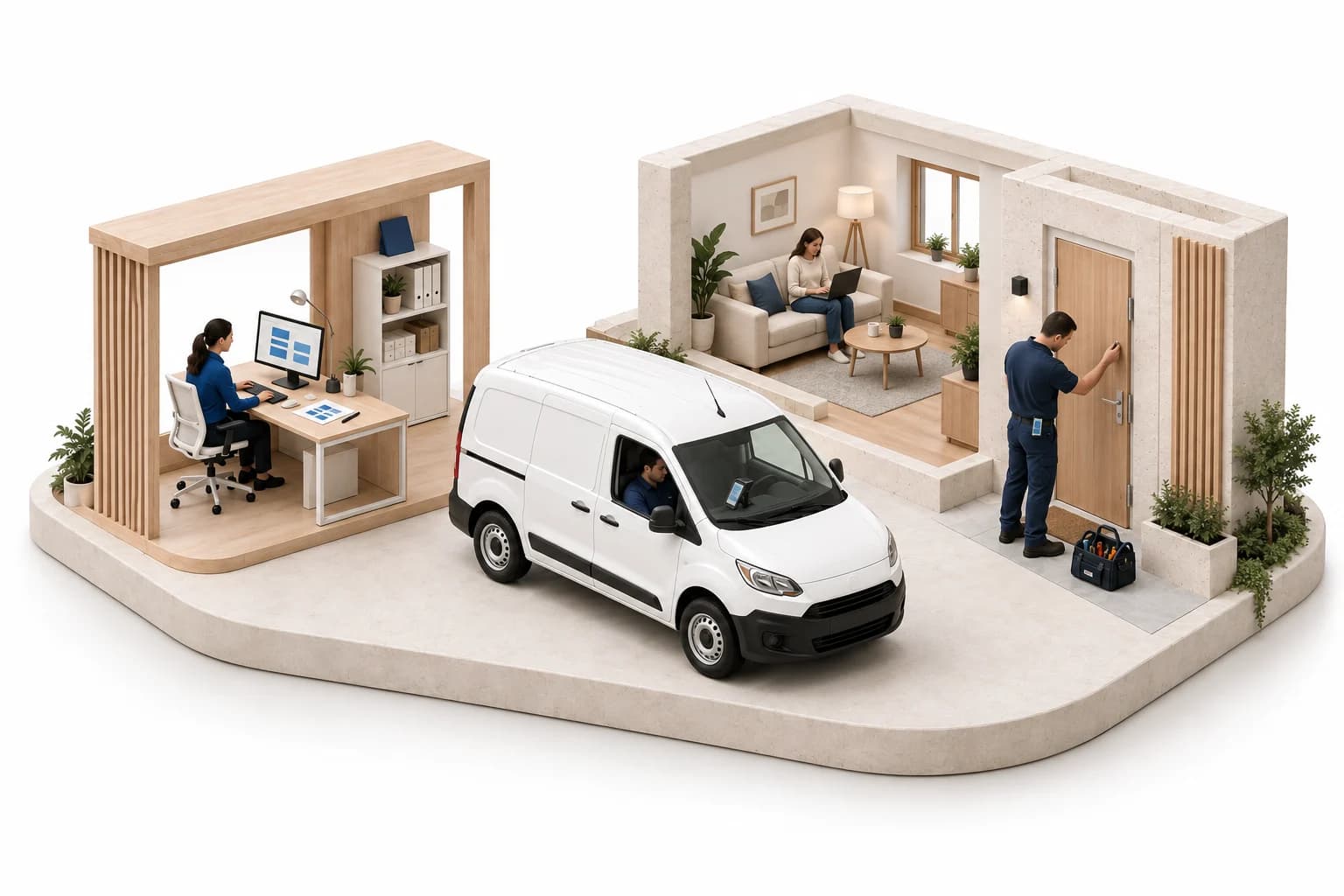
One job connects the customer, the office and the technician.
SERVICE WORK, DOCUMENTED
What did the customer ask for? What did the technician find, repair and recommend next? The report should answer those questions and connect the photos to the findings. For the customer, the office and, when needed, discussions with an insurer.
Keep the fault, work performed and recommended next step clearly separate. Captioned photos explain the findings. The result: a PDF the customer and office can follow, including supporting material for an insurance claim.
Enter the request manually, track the conversation and create a job when the work is agreed. Keep the customer, address and brief together.
Assign a technician or team, group nearby addresses and calculate the route and distance. Record labour, materials and travel against the job for billing.
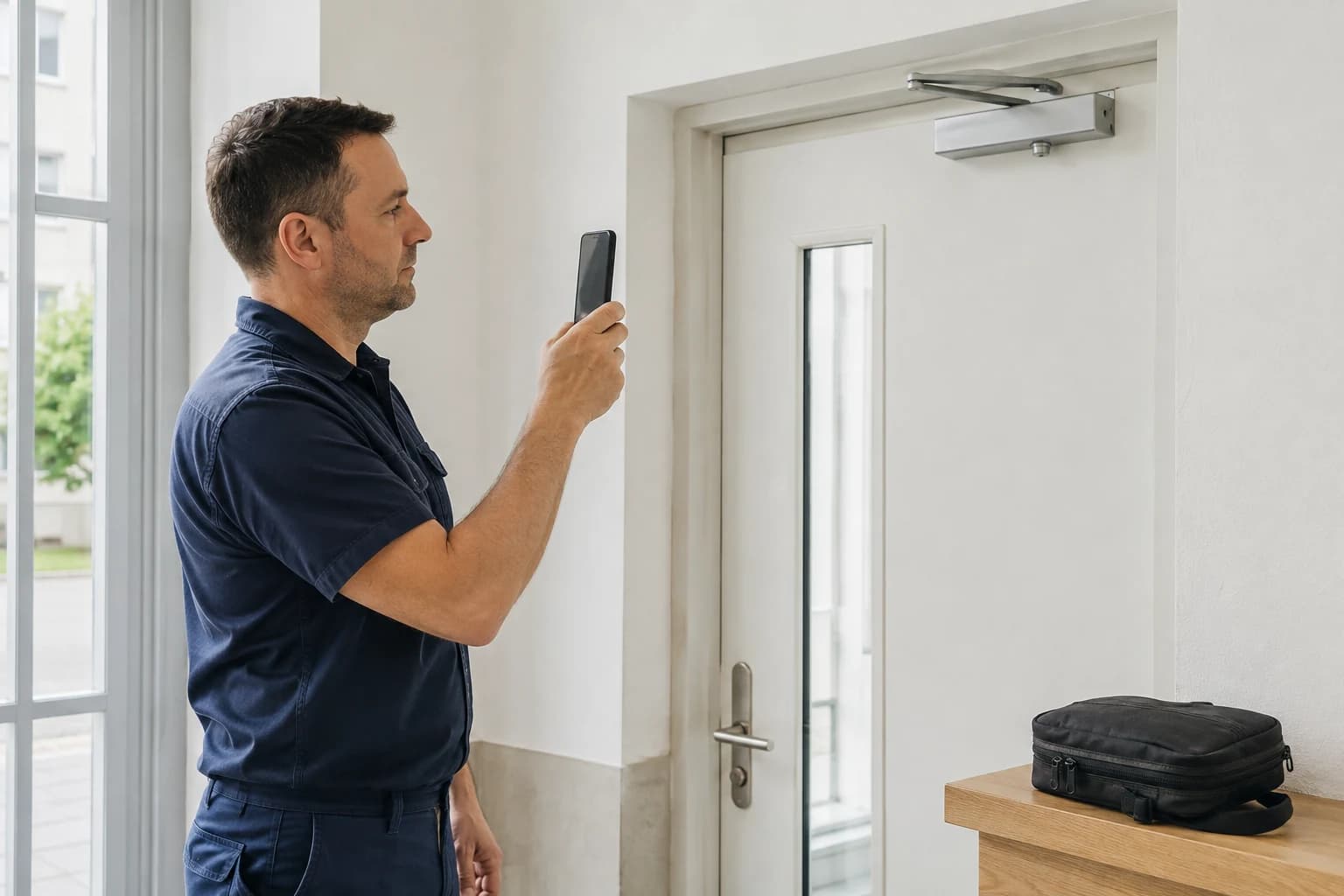
Photograph the fault, describe the finding and record the work while it’s fresh. The report gives the customer and office a clear account of the visit.
A SERVICE REPORT, IN PRACTICE
A door service visit: the technician records the fault, work performed and recommended repair. The customer gets a clear account of the visit. The office has the information it needs for follow-up work and insurance-related documentation.
Record the inquiry, create the job and plan the visit. Keep the brief and the customer’s details with the case.
Open the brief on a phone. Record the finding, work performed, photos and recommendations for the report.
SAMPLE REPORT / 1042
How it works
The customer’s request sets the brief. Visit planning, the technician’s findings and the work record provide the basis for the report and billing. The information stays with the job.
Record the request and customer contact. Track whether the inquiry is new, contacted or agreed, so the next person knows where the conversation stands.
Turn agreed work into a job. Set a visit time and assign a technician or team. Group addresses and calculate the route and distance to organise the day’s visits. Keep return visits with the same job.
Separate the condition found on site from the repair performed and the recommended next step. Add captioned photos and prepare a PDF for the customer, including supporting documentation for an insurance claim where relevant.
Record labour, materials and travel during the visit. Keep the items with the job for review and billing, rather than reconstructing them afterwards.
Labour, materials and travel form the billing items. Those records will also provide the basis for comparing the job’s price and costs. Issuing invoices and connecting an accounting system are separate next steps.
The first version is in development. Login and company accounts are being tested in a private version; the service workflow is still being built. This website describes that scope, not a live application. There is no public launch date. Email us about your workflow and we’ll discuss availability.
The product will have a core offering and optional paid modules. Prices, usage limits and trial terms have not been set. We’ll share them before you commit.
In a web browser on a computer or phone, with the brief, visit plan and service report attached to the job. A separate native app and full offline work are not part of the initial scope. Recovering a draft after an interruption is a separate item to verify, not a promise of offline synchronisation.
The report brings together the technician’s findings, photos and work record for discussions with an insurer. It does not replace an expert opinion or guarantee coverage. Check the required documents with the insurer for the particular claim.
The near-term scope includes addresses, visit times and assignment to a technician or team. Route and distance calculation and grouping nearby addresses are part of that plan. Actual labour, materials and travel will form the billing record. This does not mean live vehicle tracking or a guaranteed optimal route.
The first deliverable will be a reviewed PDF report. On-screen customer signatures and automatic email delivery are planned; we’ll confirm their availability before access opens. Existing customer data will not be imported automatically.
The first step is to prepare labour, material and travel items for billing. ActiLane is not a replacement for accounting software. We’re considering iDoklad for a later connection, but the integration and its availability are not confirmed. Financial summaries will build on the same job records.
YOUR INPUT FOR ActiLane
Tell us about your jobs and what your team needs from the app. We’ll review your suggestions, reply personally and discuss possible additions.
The link opens your email app. If you haven’t set one up, copy the address into your email service.
This is a personal reply to your inquiry, not a newsletter signup. Please don’t send employee or customer data.
Privacy notice